
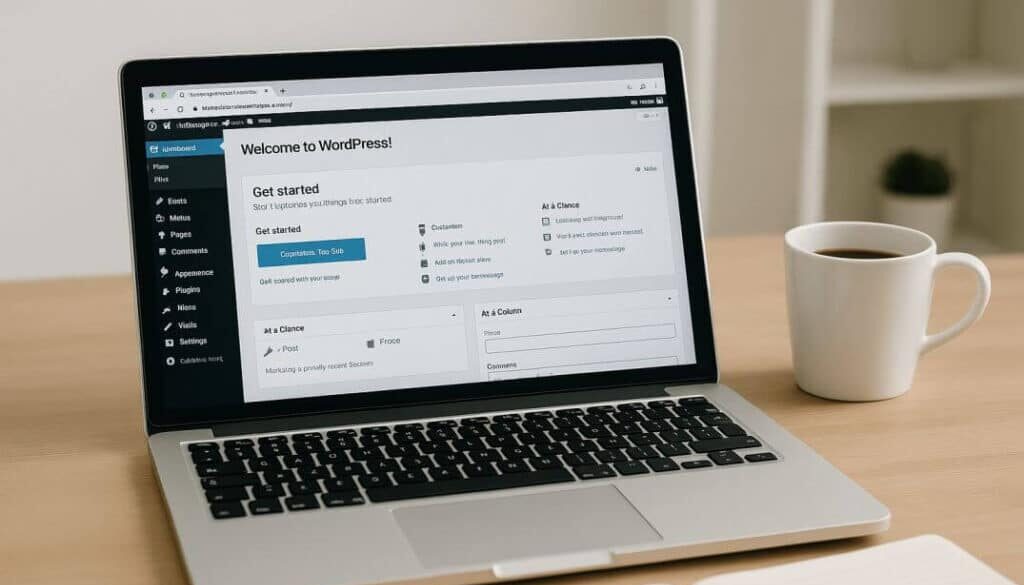
From ‘Too Expensive’ to ‘Done!’ – My Website Story
John had always dreamed of having his own website—a place to showcase his work and ideas. But every time he looked into it, the cost of hiring a designer or developer stopped him cold. It felt like a dream meant only for big budgets and tech experts. That is, until one evening, when he stumbled upon WordPress while searching for alternatives. Even better, he discovered Themify—a powerful, easy-to-use theme that made building his site feel almost effortless. Suddenly, what once seemed impossible was not only doable but fun. His dream site? Finally, a reality – without breaking the bank.

That “John” was actually me a few years ago. Within an already existing business, there was a desire to expand into online sales. But the question was—how, when building an online store, did it seem so expensive and complicated?
But is it? Not even close.
With just a bit of computer know-how, just about anyone these days can create a website—whether it’s a blog, a business page, or even a full online store.
And that’s how it all began.
Let’s break it down step by step. What do you need to build a functional website?
Hosting and a domain – the first steps toward your website
WordPress – a powerful and user-friendly website platform
Themify – for beautiful, customizable design themes
Optimization tools – to help your site rank better on search engines
Website hosting and a domain
When you decide to create your own website, the first important steps are choosing a domain name and web hosting. A domain is the address of your website (e.g., www.mywebsite.com) that users type into their browser to find you online. It’s important to choose wisely – your domain should be short, memorable, and relevant to your content.
Web hosting, on the other hand, is the service where all your website’s files and data are physically stored. Essentially, it’s the rental of space on a server that keeps your site online and accessible 24/7. There are different types of hosting (shared, VPS, dedicated), and the right choice depends on your website’s needs and scale.
By registering a domain and selecting the right hosting service, you lay the foundation for building your online presence. Think of your domain as your home address, and the hosting as the house itself—where your website “lives.”

My website is hosted by Hostinger.
When choosing a hosting provider, it’s important to find one that offers a good balance of price, performance, and support. Hostinger is a popular choice for beginners and small businesses because it offers affordable plans, fast server response times, and an easy-to-use control panel (hPanel).
Users also appreciate the extras that come with some plans—like a free domain, SSL certificate, daily backups, and 24/7 customer support. Additionally, Hostinger allows for quick installation of popular platforms like WordPress, making it ideal for those who want to build a website without coding knowledge.
Thanks to its combination of affordability, speed, and reliability, Hostinger is an excellent starting point for anyone beginning their online journey.

WordPress
Why Choose WordPress for Your Website?
WordPress: Power at Your Fingertips WordPress has become one of the most popular platforms for building websites – and for good reason. From bloggers and artists to companies and global brands, people across the world trust WordPress to power their online presence. Why? Because it offers full control, incredible flexibility, and ease of use – even if you don’t know how to code.
1. Free and Open Source WordPress is completely free and open source, which means you have full access to the code and can tailor your site exactly the way you want.
2. Easy Content Management With a modern block editor and a drag-and-drop interface, you can publish articles, add images or videos, and update your content without any tech skills.
3. Thousands of Themes and Plugins You’ll find a huge selection of both free and premium themes and plugins—letting you build anything from a sleek blog to an e-commerce store, portfolio, or company site.
4. Mobile-Ready and SEO Friendly WordPress ensures your website looks great on mobile devices and is optimized for search engines—two essential ingredients for online success.
A more in-depth look at WordPress will follow in one of the upcoming posts, where I will examine its features in detail and explain why it remains the most widely used platform for website development.

Getting Started with Themify: An Easy Tool for Building Your WordPress Website
If you’re new to WordPress and looking for an easy way to design your website, Themify is a great place to start. It offers beautiful themes and a user-friendly page builder that lets you create your own website—without writing any code.
The heart of Themify is its drag-and-drop builder. This means you can just pick an element (like text, image, or button), drag it onto the page, and move it around however you like. You can see your changes live as you make them, so there’s no guessing what your website will look like.
Themify also comes with ready-made layouts and templates. You can choose a design you like and customize it with your own colors, fonts, and content. Everything is mobile-friendly too, so your site will look great on phones and tablets.
Boost Your Website’s Visibility: Must-Have SEO Tools for WordPress
If you want your website to show up higher in Google search results, Search Engine Optimization (SEO) is essential. Fortunately, there are several powerful tools that make optimizing your WordPress site easy—even if you’re just starting out.
1. Yoast SEO – One of the most popular plugins, Yoast helps you optimize your pages and posts with easy-to-follow tips on keywords, meta descriptions, internal links, and readability.
2. All in One SEO (AIOSEO) – A great alternative to Yoast, AIOSEO offers tools for beginners and pros alike, with features like sitemap creation, social media integration, and on-page analysis.
3. Rank Math – Fast-growing in popularity, Rank Math offers an intuitive setup wizard and advanced features like rich snippets and keyword tracking—all in a lightweight package.
4. Google Search Console – While not a plugin, this free tool from Google lets you track how your site performs in search, spot errors, and see what keywords bring users to your pages.
5. Site Kit by Google plugin offers a simple, one-click setup that seamlessly connects your WordPress site to key Google tools like Analytics, Search Console, and AdSense – all without touching any code.
Start with one SEO plugin plus Site Kit by Google and gradually learn the basics – these tools will guide you every step of the way!
Building your own website may seem overwhelming at first, but with the right tools such as WordPress, Themify, and a reliable host like Hostinger, it’s more accessible than ever. Start small, stay curious, and don’t be afraid to learn as you go. Your online presence is just a few clicks away.

